



7Gear Casino registration in the UK: form, sign-in and verification
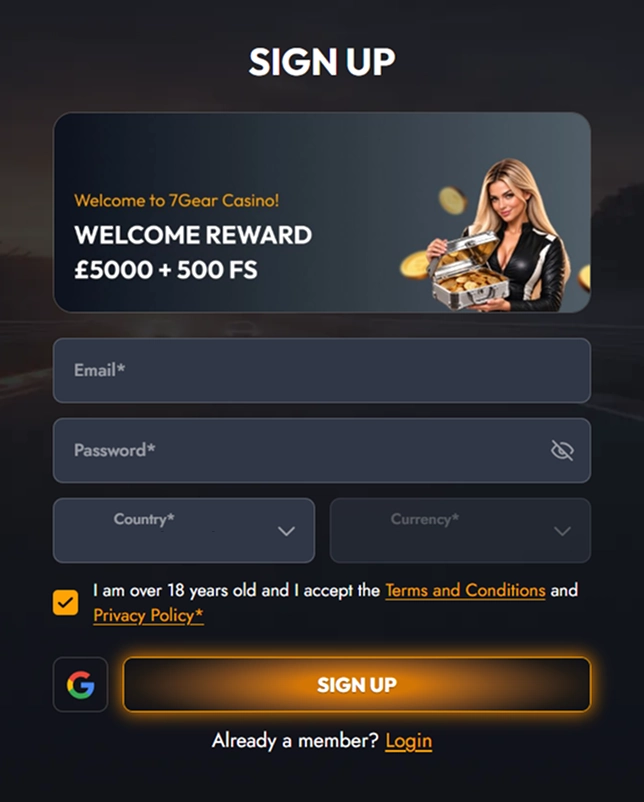
The 7Gear Casino initial form asks for currency, country, email and password. Users can create a separate password or choose Google Login. For a British account, selecting United Kingdom and GBP makes sense if most transactions will be in pounds.
Provide accurate details: your name, country and payment information must match the records used for later verification. An error may go unnoticed at registration but cause problems when withdrawing funds.
Step-by-step process
- Click Sign Up.
- Choose email registration or Google.
- Enter your country of residence.
- Select GBP or EUR as the currency.
- Create a strong password.
- Accept the service terms.
- Follow the link in the email.
- Sign in and check your account details.
Email is used for signing in, account recovery and sending personalised offers. The Birthday Bonus code is also sent to this address.
Password and email security
Use a unique password that is not shared with banking services. A password manager is safer than a note stored on your phone. Protect your email account with a separate password and two-factor authentication where available.
On someone else’s device, disable form autofill. Sign out and close the tab when you finish.
Google Login
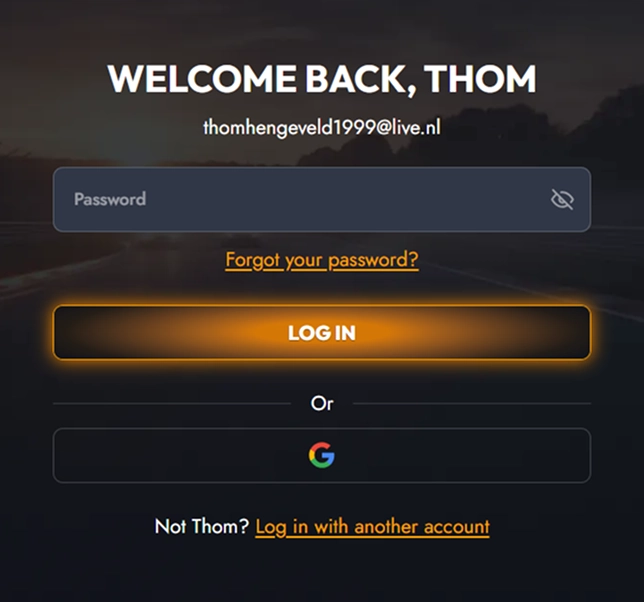
Signing in with Google reduces the amount of information to enter but ties access to an external account. If there is a problem with Google, that account needs to be recovered rather than the password for the gaming profile.
If you created an email-and-password sign-in separately, keep that option even if Google is available. It may help if the external service is temporarily unavailable.
First payment
Once logged in, open the cashier and select a payment method. The limits and processing times are listed in the payments section. Funds are credited immediately after the transaction is confirmed.
An alternative to the Welcome Package is the prize wheels available with the promo code FORTUNE. Enter the code before confirming your payment. The tiers are unlocked according to the amount deposited: Rookie Racer starts at GBP 20 and includes free spins on Ice Bass, while Drift King requires at least GBP 70 and awards spins on 3 Royal Dracos. The higher tiers, Speed Demon and Road Boss, feature Blast the Bass.
For the second through fifth deposits, the operator awards 100 free spins at each stage. It also adds between 50% and 100% to the deposited amount, while the slots change from one stage to the next, such as Elvis Frog in Vegas at the second stage.
KYC before withdrawals
Documents are required before the first withdrawal. A typical set includes a passport or UK driving licence, a bank statement or utility bill, and proof of the payment method.
Photographs must be in colour, clear and show every edge. The name and address on the document must match the registration form. If the operator requests a selfie, send it only through an official secure channel.
Recovering access
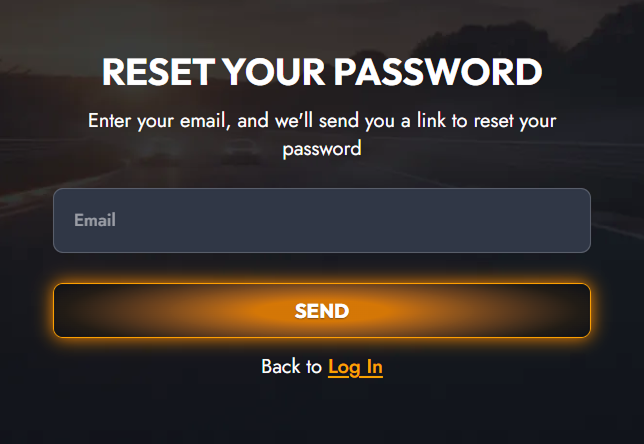
Open the sign-in form, choose password reset and enter your email. Follow the link in the message and set a new password.
If the email does not arrive, check your spam folder and look for typing errors. If you have lost access to the mailbox, contact support; do not create a second account.
Common problems
- Email already in use — recover the existing account;
- Google Login does not open the account — try the original sign-in method;
- Wrong currency selected — contact support before the first payment;
- KYC rejected — retake document photographs without glare;
- Email not received — check spam and request another message.
Registering on a mobile
The form opens in a smartphone browser. Once an account has been created, it can also be accessed on a computer. There is no native app, so third-party APK files are unnecessary.
Conclusion
Registration is designed to be quick and is suited to UK users through the English interface and GBP transactions. To avoid delays, enter accurate information from the outset, secure your email and prepare the documents before the first withdrawal.